
So you’ve signed up for a free-trial. Great to have you!
Follow below steps to get started.
1. Build your Library
Go to Library tab and define information about your Company as well as your Products catalog
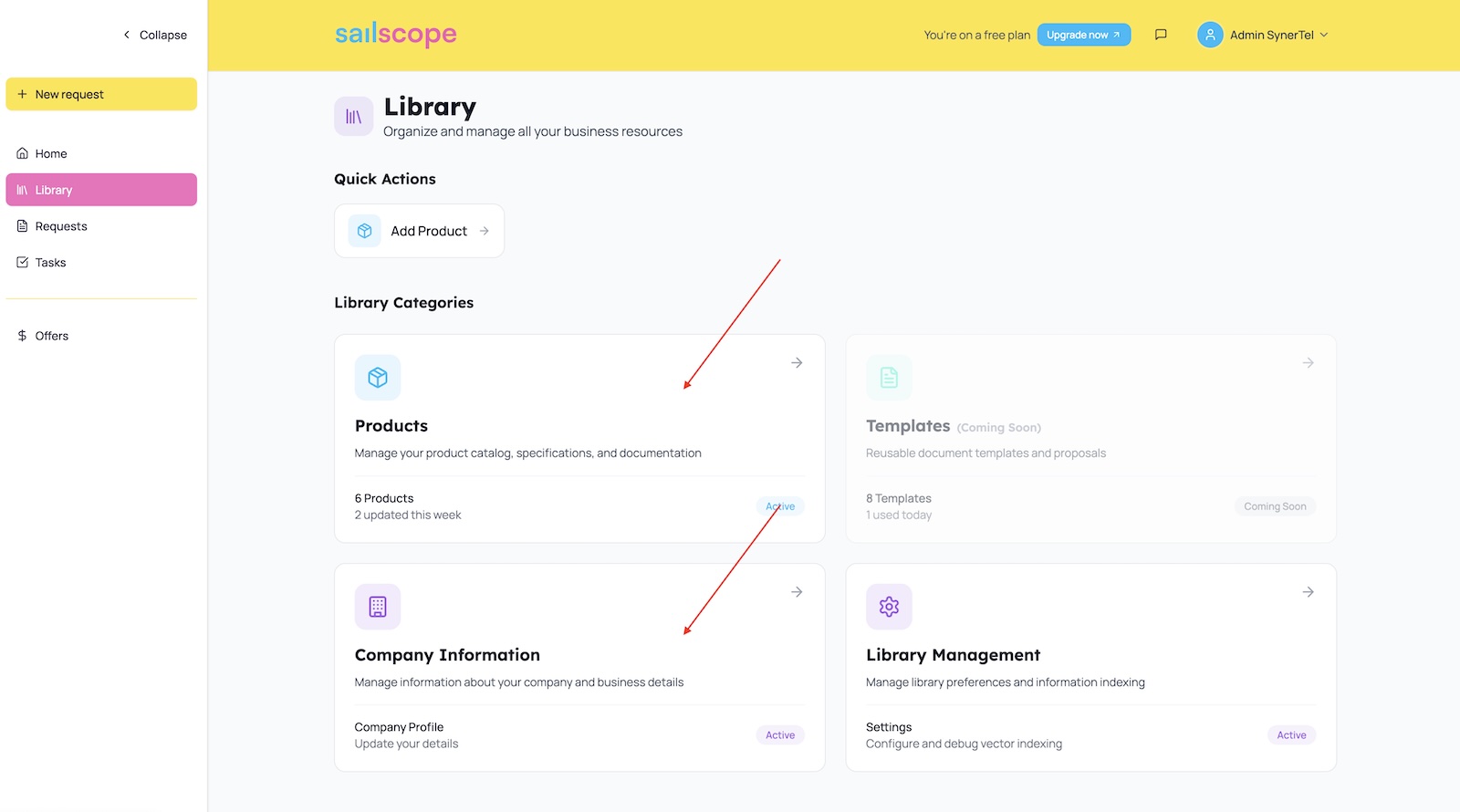
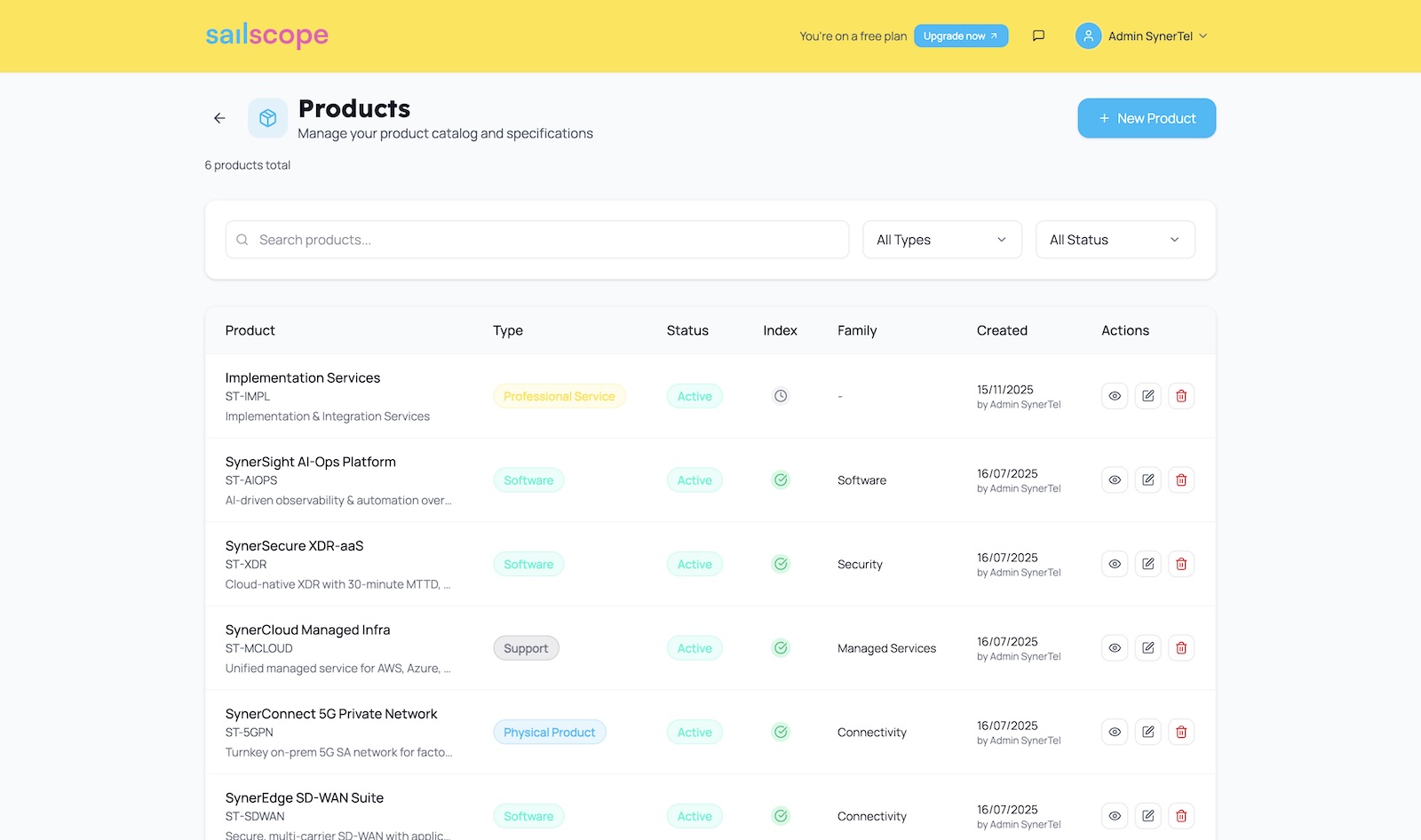
The ideal product catalog should be granular and describe key products offered by your company
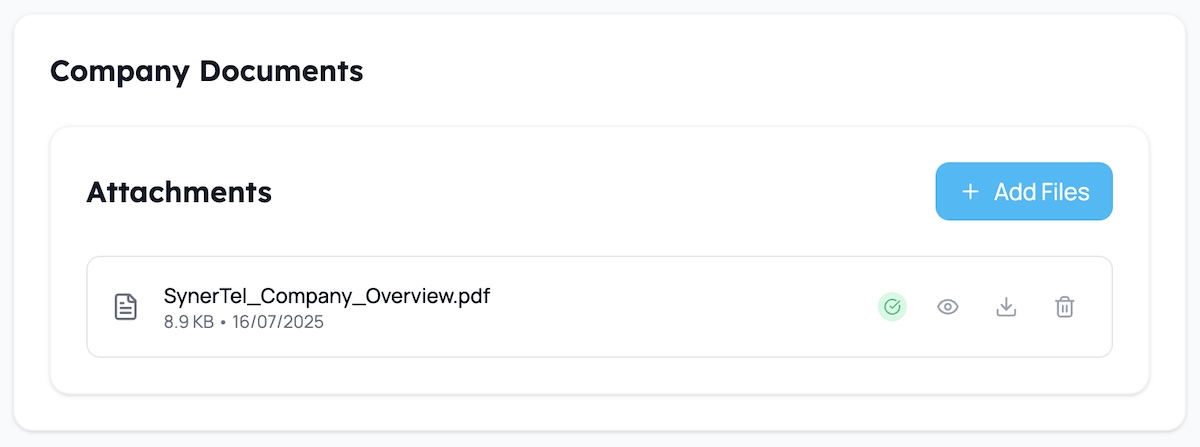
If you have any PDF, DOCX, PPTX files that provide additional context - make sure to upload them in the attachments section. Attachments are available both under the company as well as under individual products.
2. Start the Indexing
Next, go to Library tab and click Library Management. Company and Product Information that you have defined earlier need to be indexed in a vector database to build the Sailscope’s knowledge graph. To start the indexing job - select All Content option and click Start Indexing.
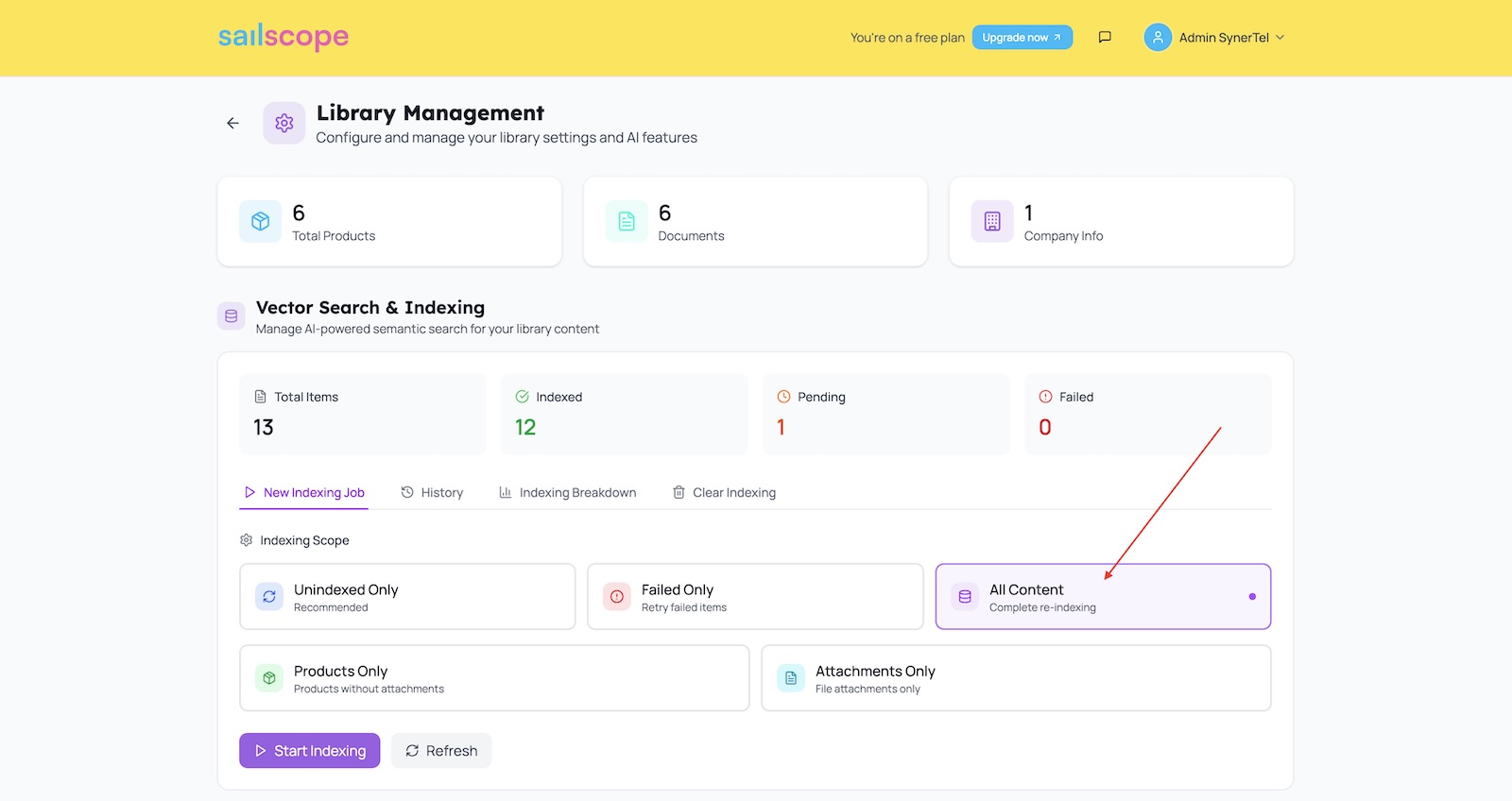
The job should complete within few minutes (depending on the size of your content).
3. Try it out
Now you should be good to go. You can test the knowledge in a Library Q&A component (in Library Management below the indexing).
Alternatively - start a new chat with a built-in AI-assistant and ask him a question relevant to the Company or Product Information that you defined earlier.
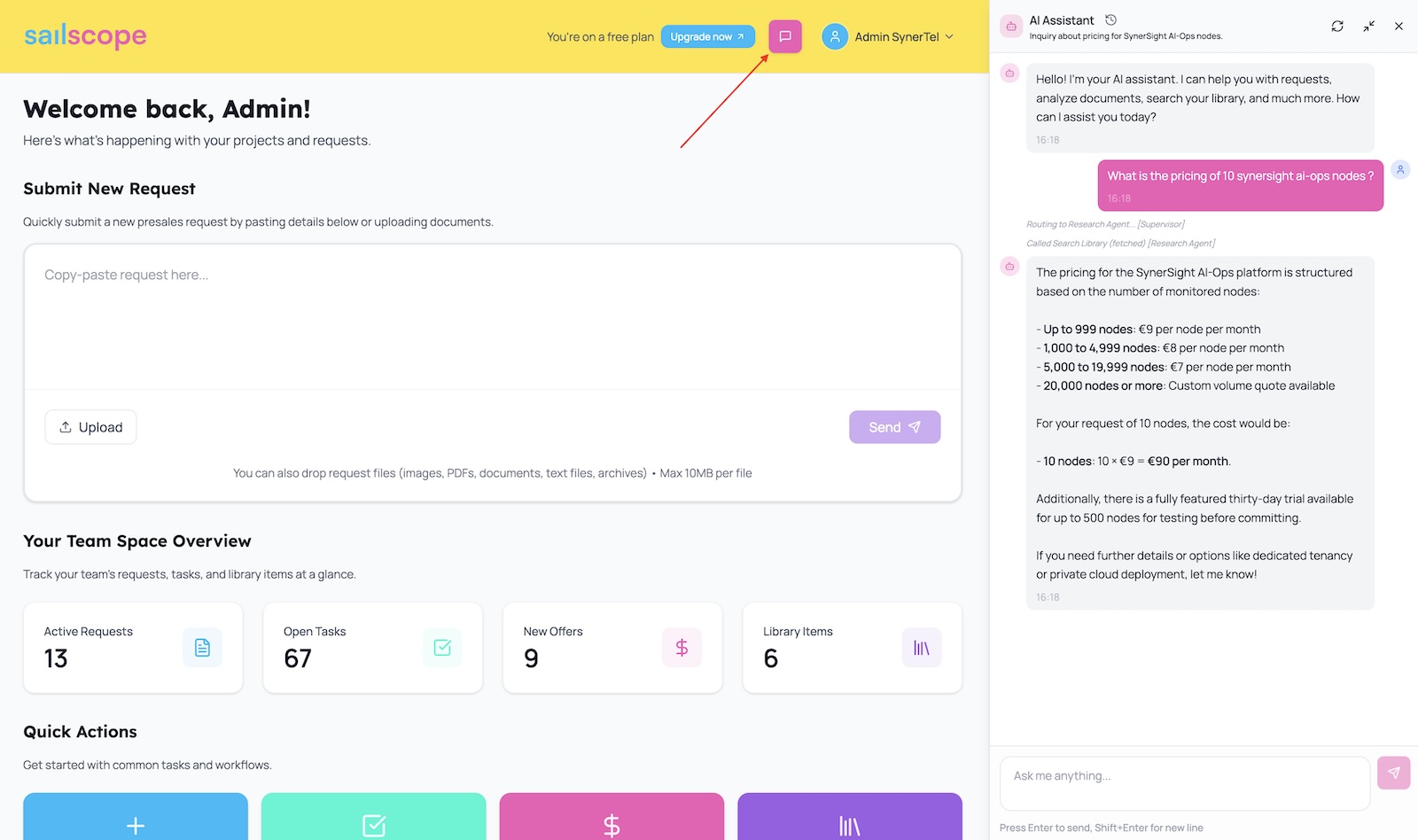
Having done these steps - you should be good to proceed with Qualifying your first Request.
For more details about library, go to Managing Knowledge Library article.